HR software for UK businesses HR software for UK small and medium businesses
Grow your business. We make the HR smplr.
smplr is a modern HR system that your whole team can use without training. Holiday, rotas, timesheets, records, reviews and the legal side all live in one place.
One plan with everything in it, paid monthly with no annual contract. Your people’s data stays in the UK.
Leave your email and we’ll arrange a 20-minute video call.
- Data held in the UK
- The application, the database and every document
- A month at a time
- No minimum term and no notice period
- Bring your records
- Imports from Breathe HR, BrightHR and Access People HR
- Help when you need it
- Messages answered within an hour, Monday to Friday
What changes
What smplr does for a growing company.
Your week goes on the business
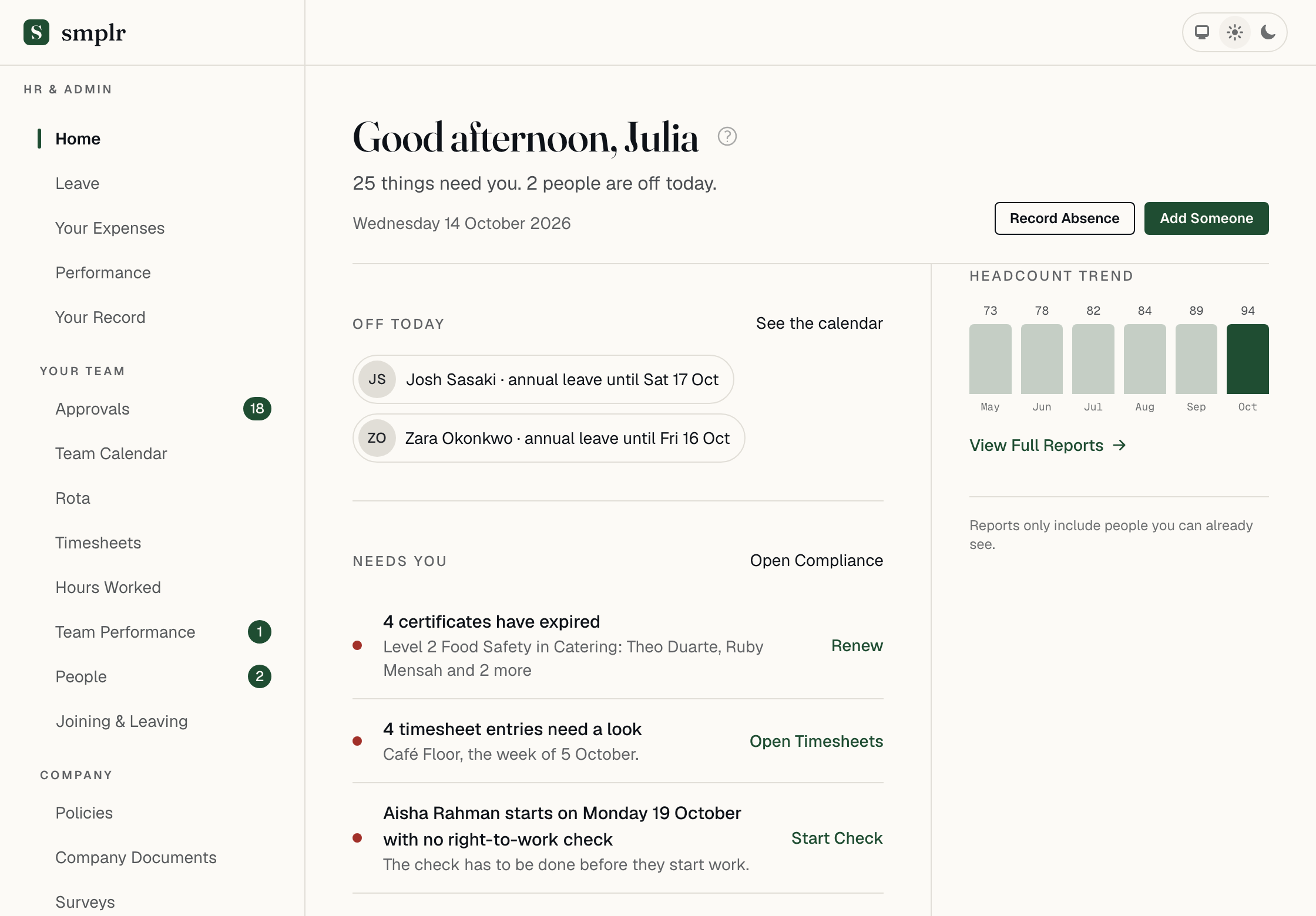
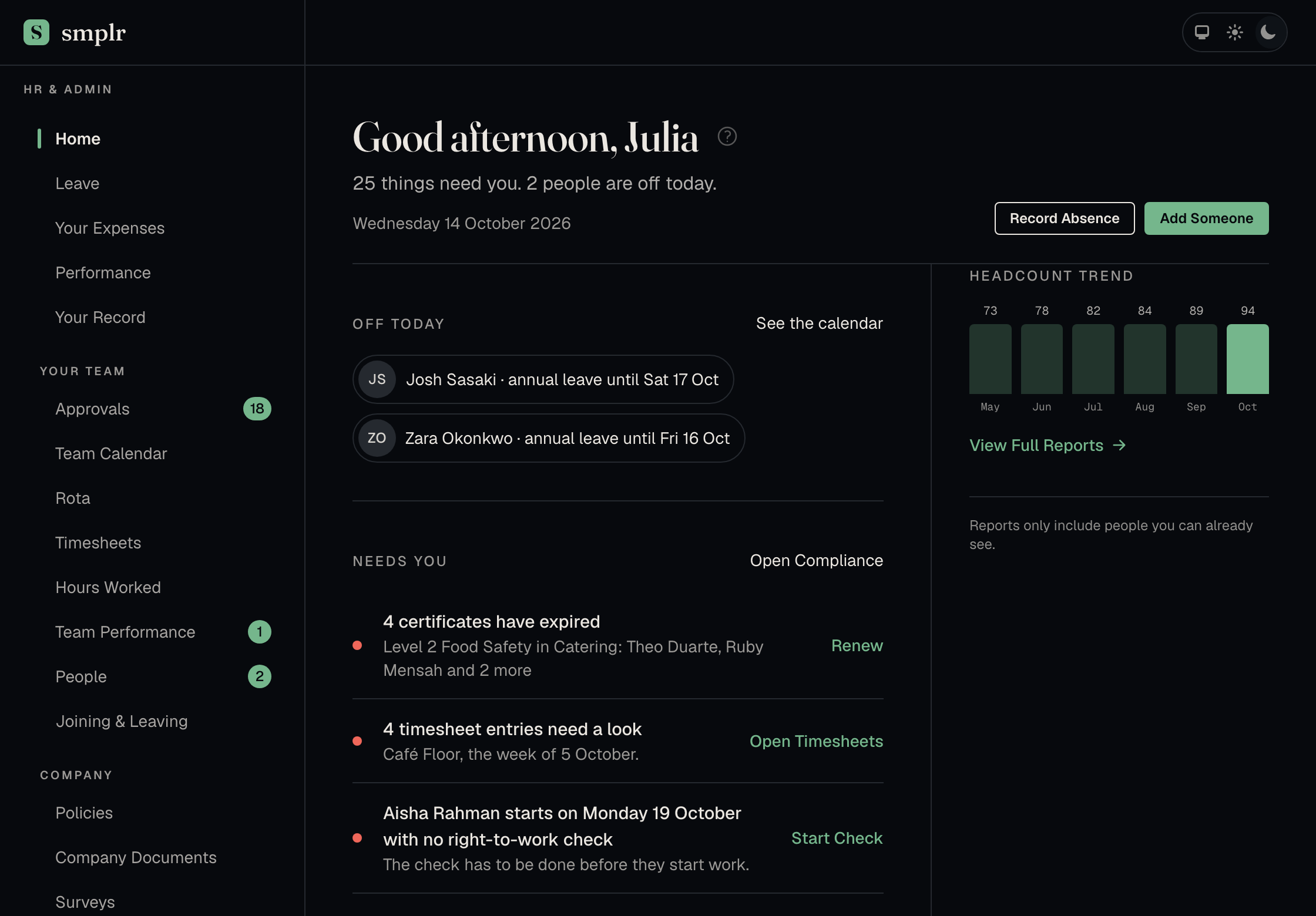
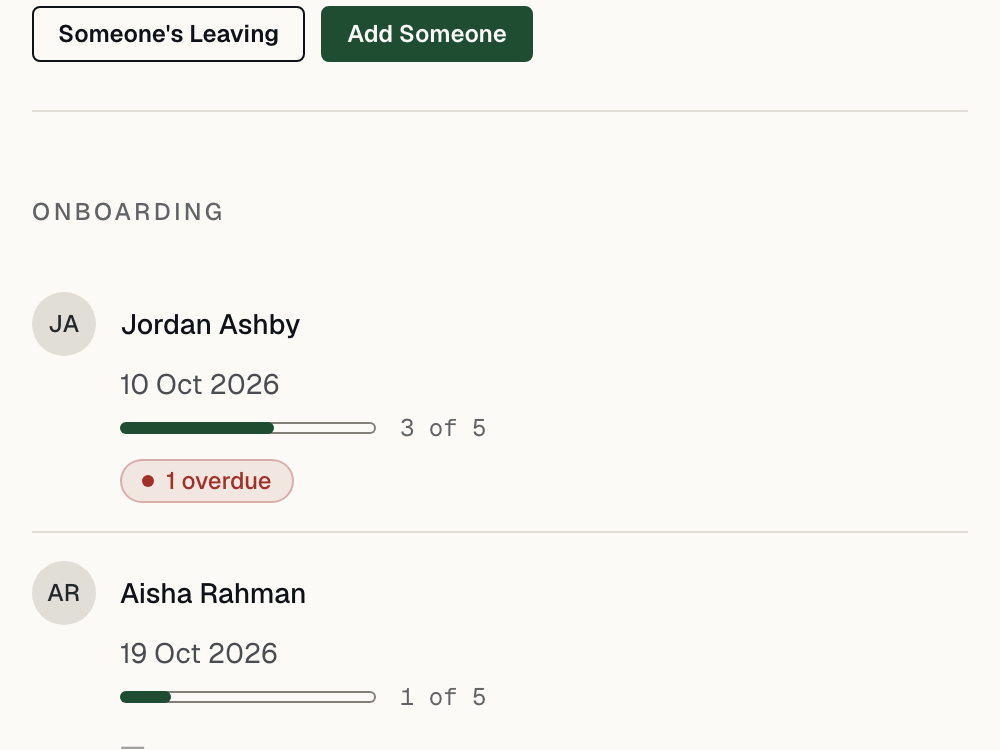
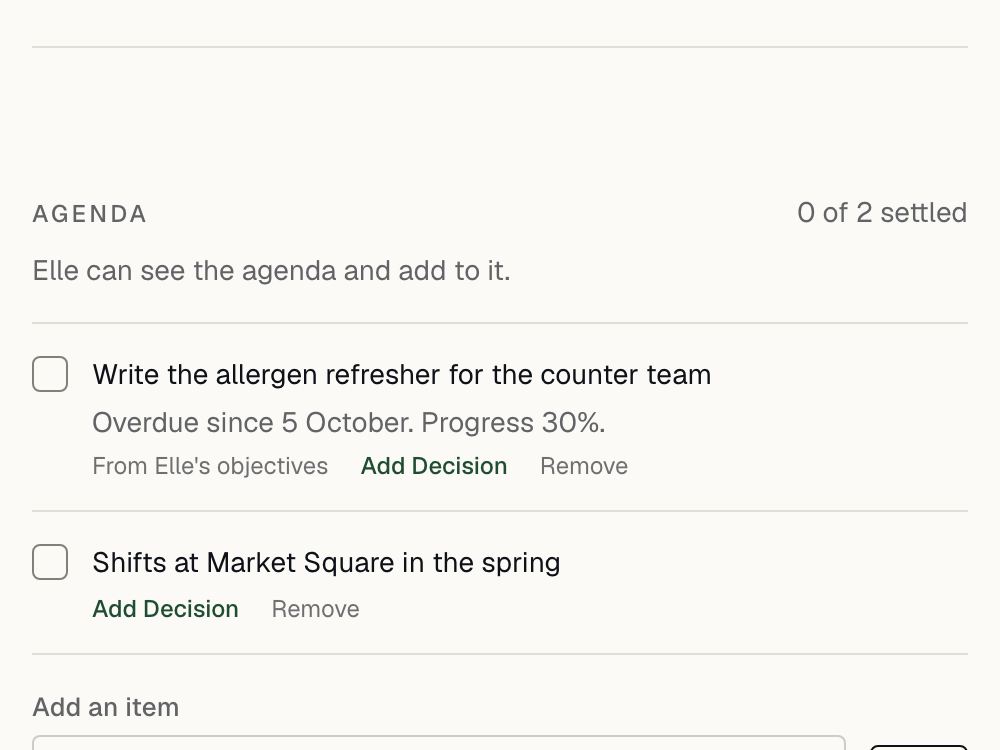
People book their own leave, swap their own shifts and keep their details up to date, with a built-in guide for every job. Managers approve with cover in view, and your home page lists only what needs you.
See how leave worksYour people know what is expected of them
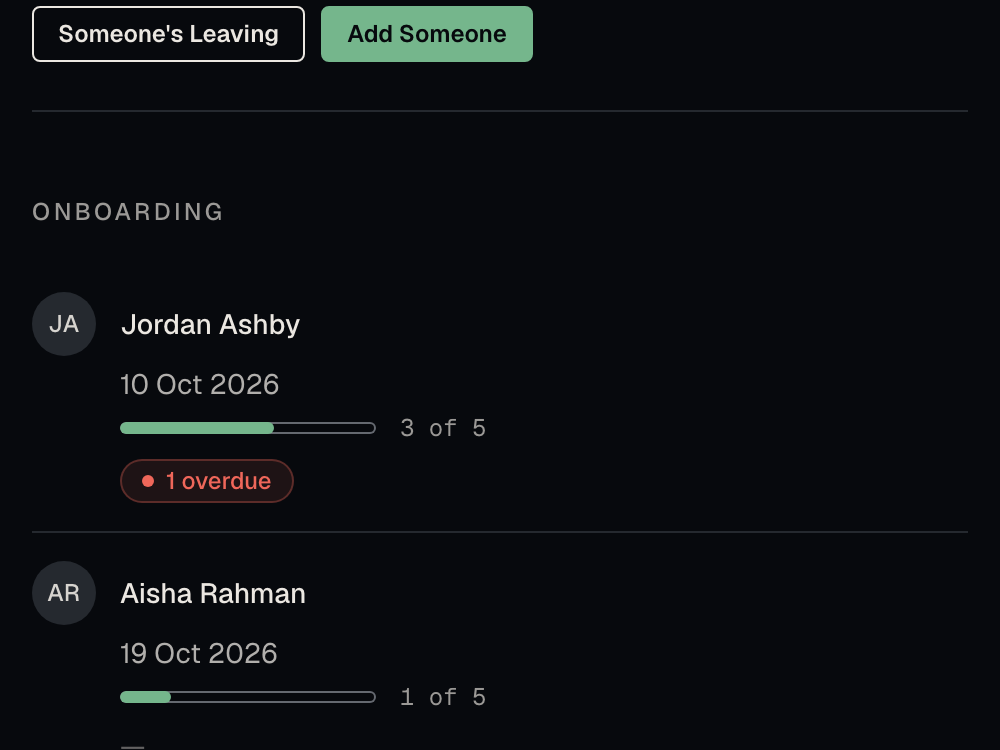
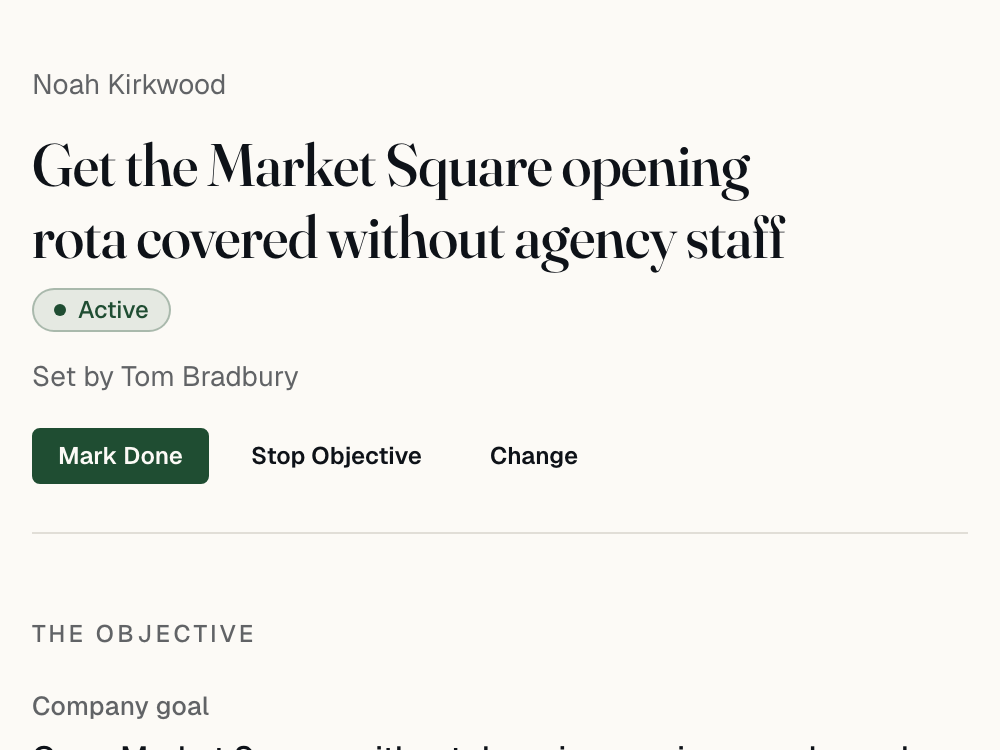
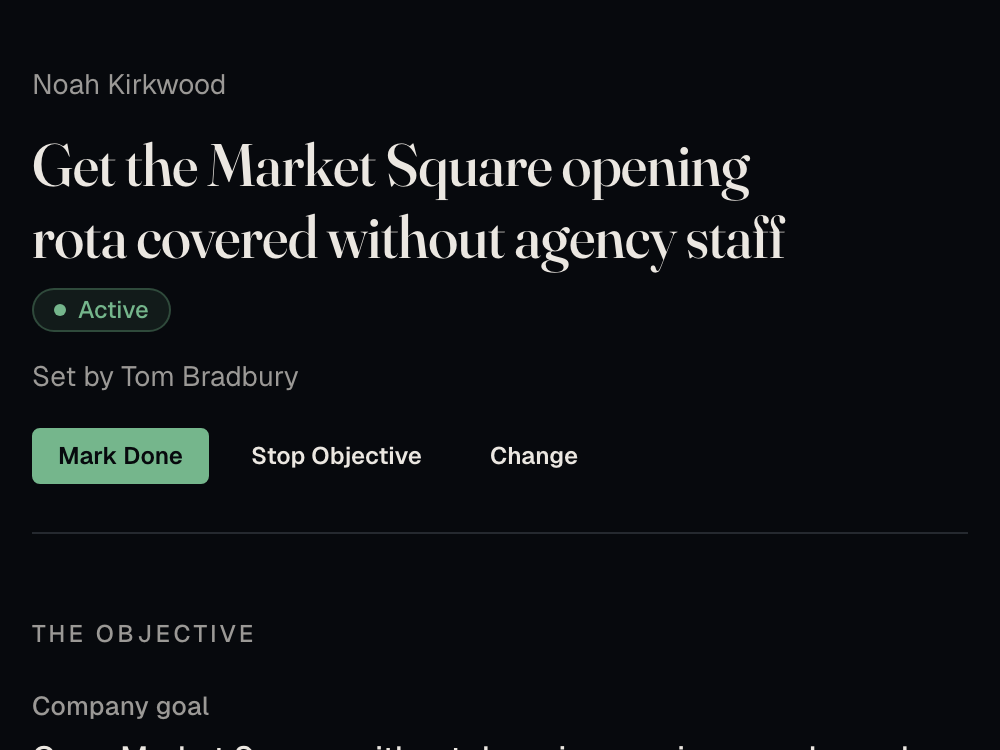
Agree objectives with each person and meet regularly, with the agenda already written. New starters get a planned first week.
See goals and check-insThe legal side is kept up to date
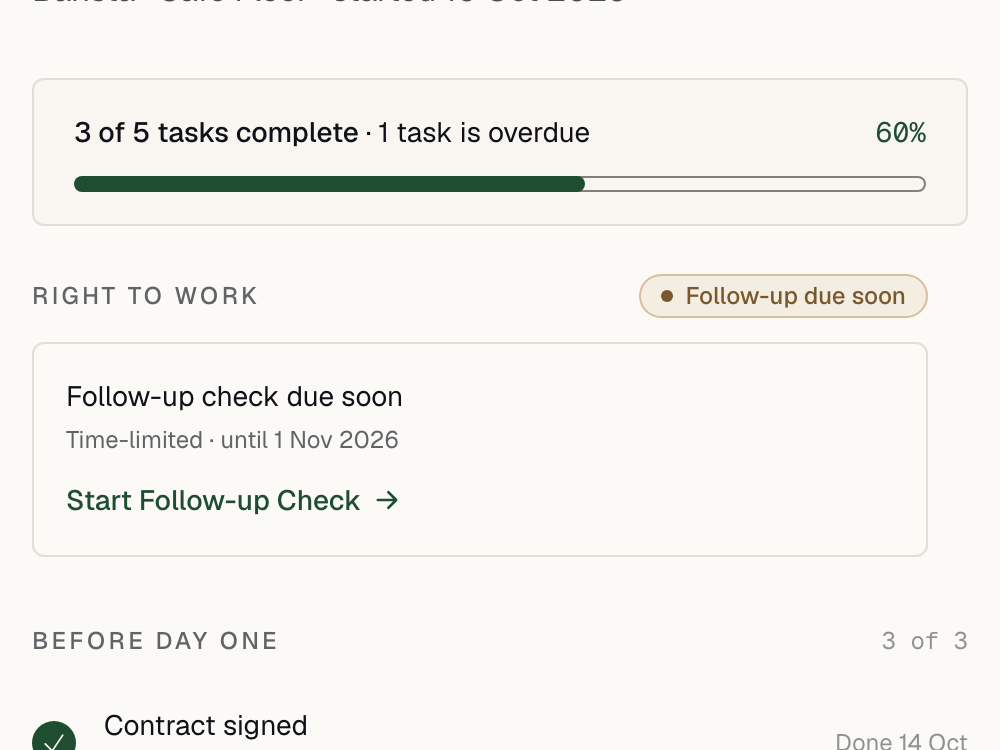
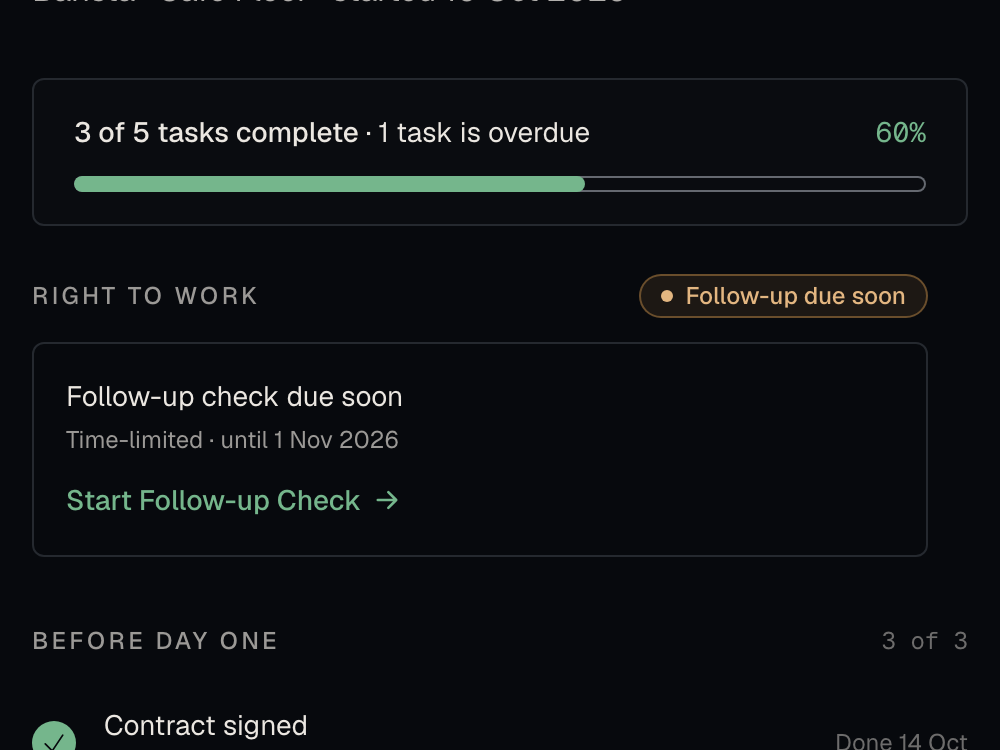
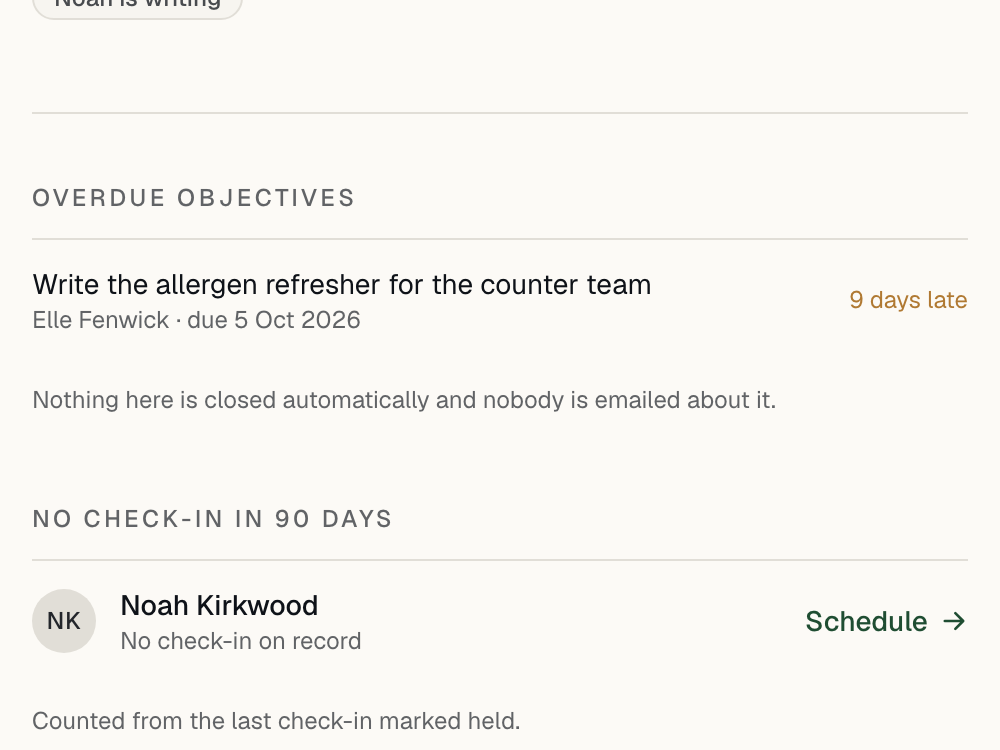
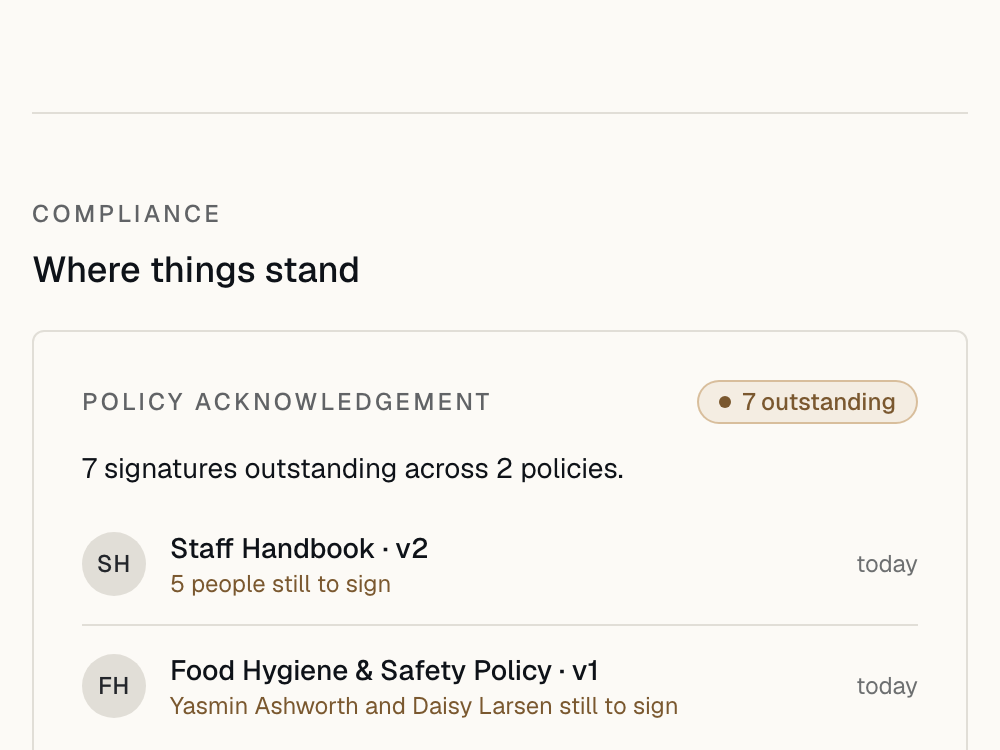
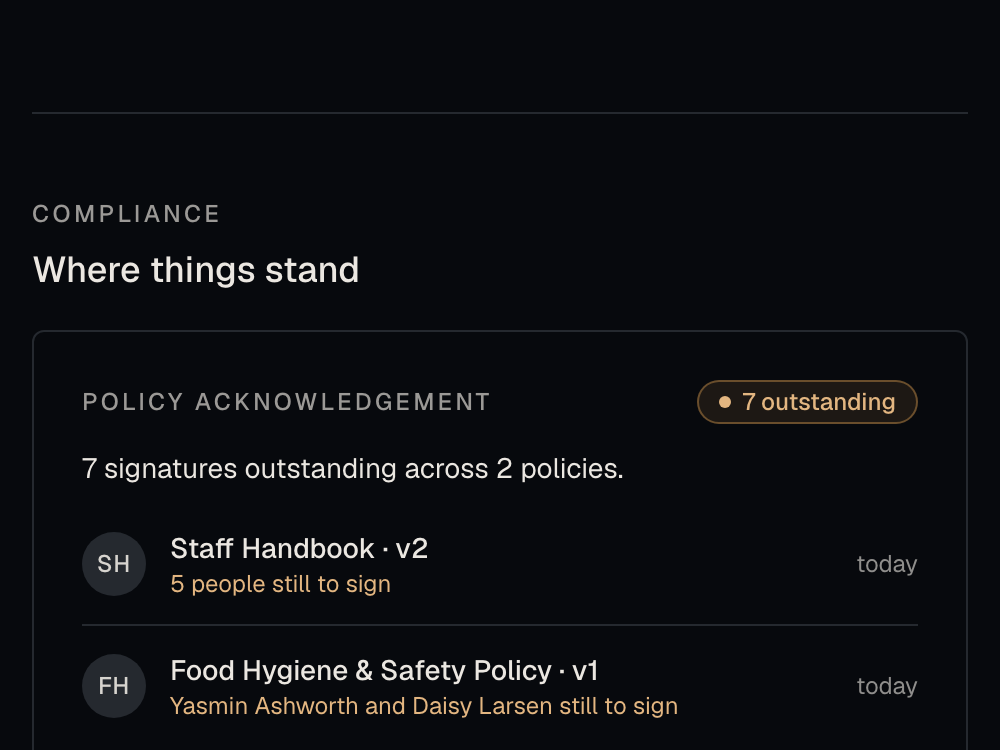
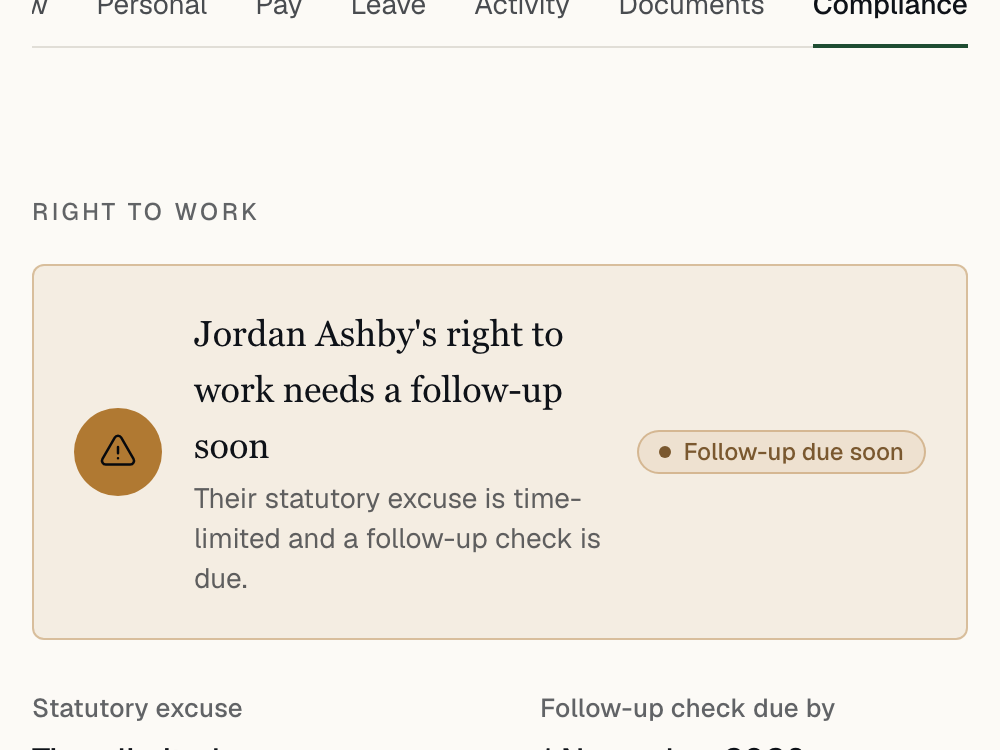
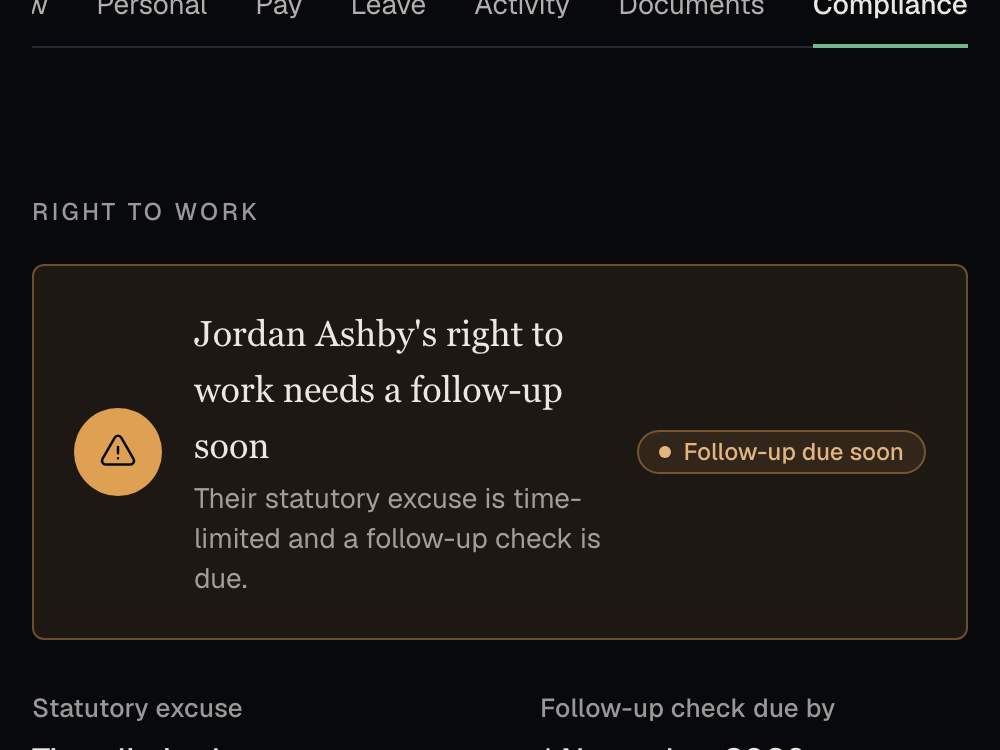
Holiday, right to work, working time, contracts and records follow UK employment rules, and you are reminded before a date is missed.
See the compliance pageNothing to change as you grow
No headcount limit and no higher tier. Headcount, turnover, absence cost and gender pay gap reports are there from your first day.
See the reportsAlready using an HR system?
Moving from Breathe HR, BrightHR or Access People HR.
smplr reads the export from your current system, so your people, their teams and their holiday allowances come across without being typed in again.
-
Export from your current system
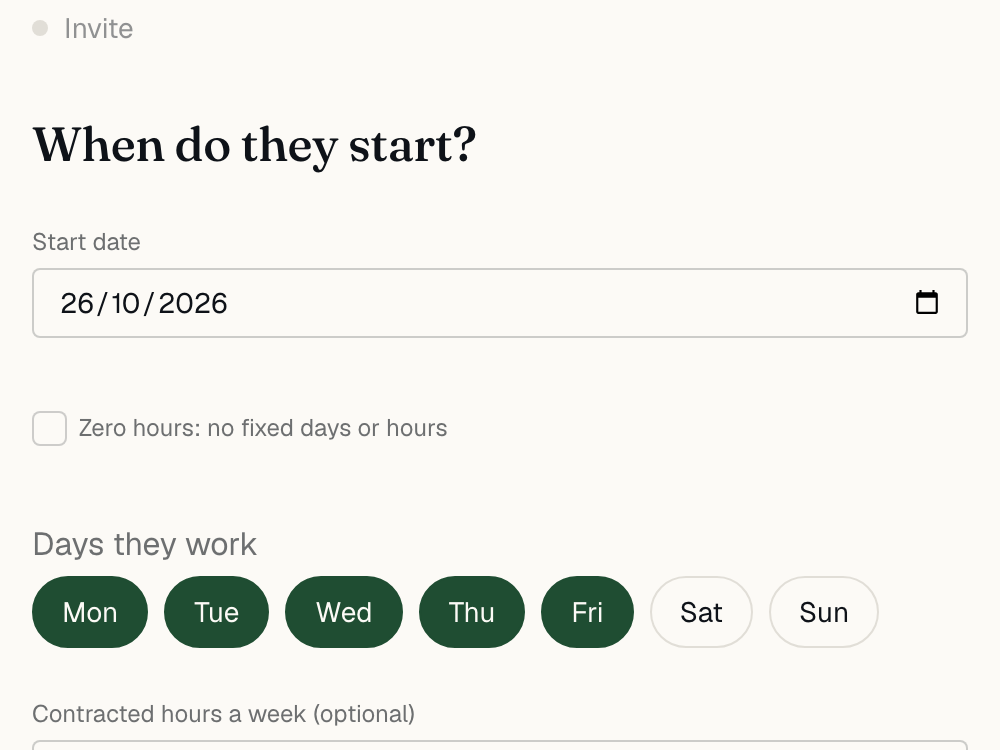
The import screen has the steps for each of the three, or start from a spreadsheet.
-
Check what will be created
smplr matches the columns and shows you every person it will add, before it adds anyone.
-
Invite people when you are ready
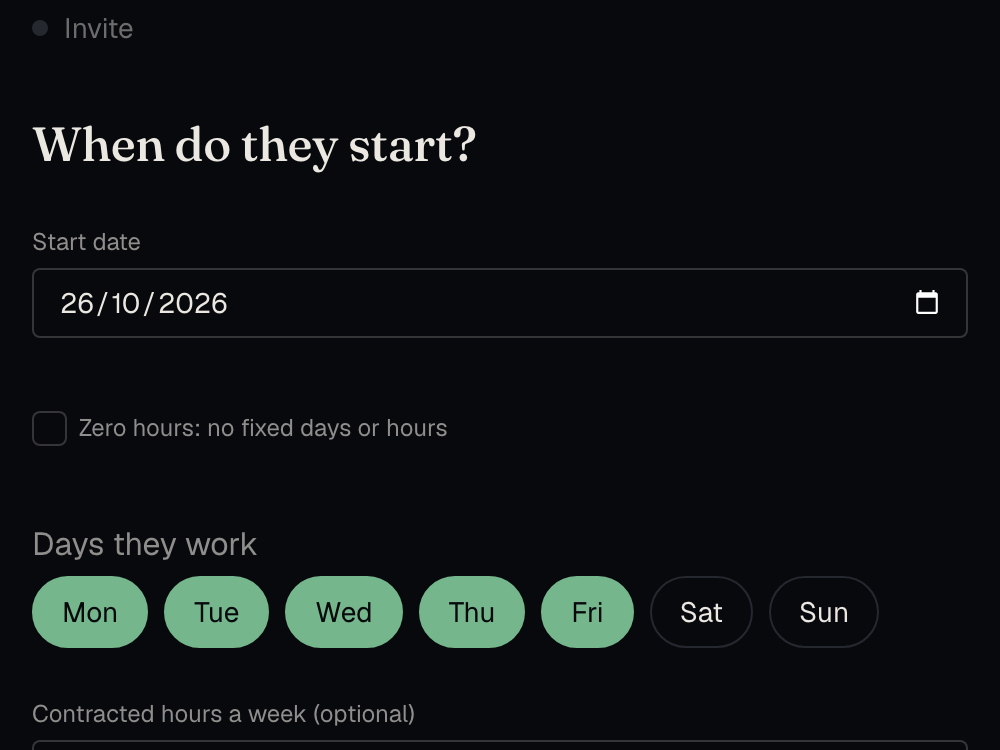
Nobody is emailed until you choose. People count towards the bill once they accept, so importing everyone does not change it.
For our design partners
We are launching with a small number of companies who work closely with us. If you join them, we move your records across for you, and you pay nothing until your current contract ends, for up to four months.
Ask about becoming a design partnerIf your team works shifts
Rotas, clocking in and timesheets, in the same plan.
Each step uses the one before it. The hours people work go into holiday and the accountant’s month-end pack without being typed in again.
- Price
- In the per-person price, with no rota add-on.
- Privacy
- No photos, fingerprints or face scans, and no map of where anyone was.
- Records
- Hours and holiday records are held for six years, as the law requires.
-
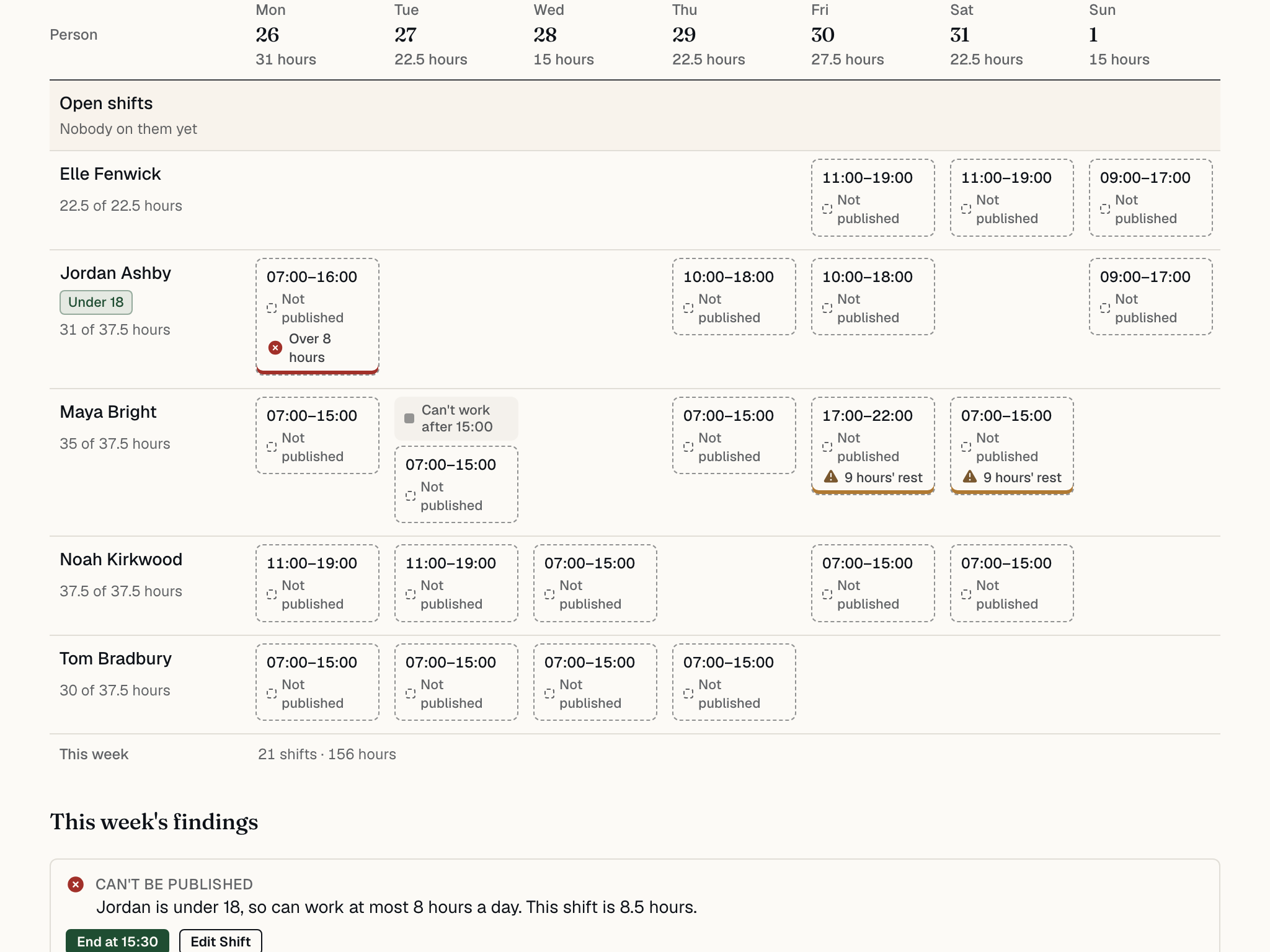
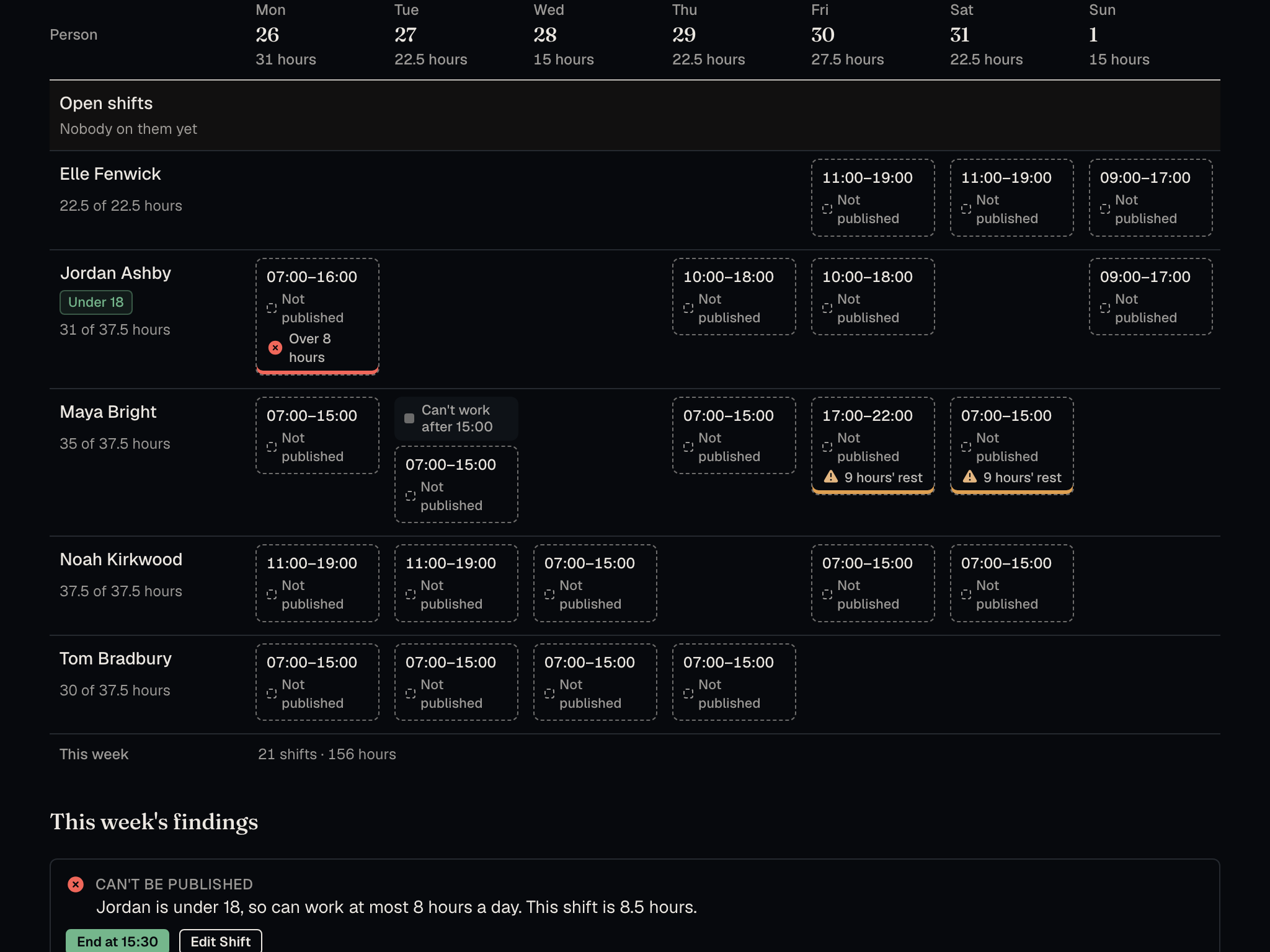
Build the rota
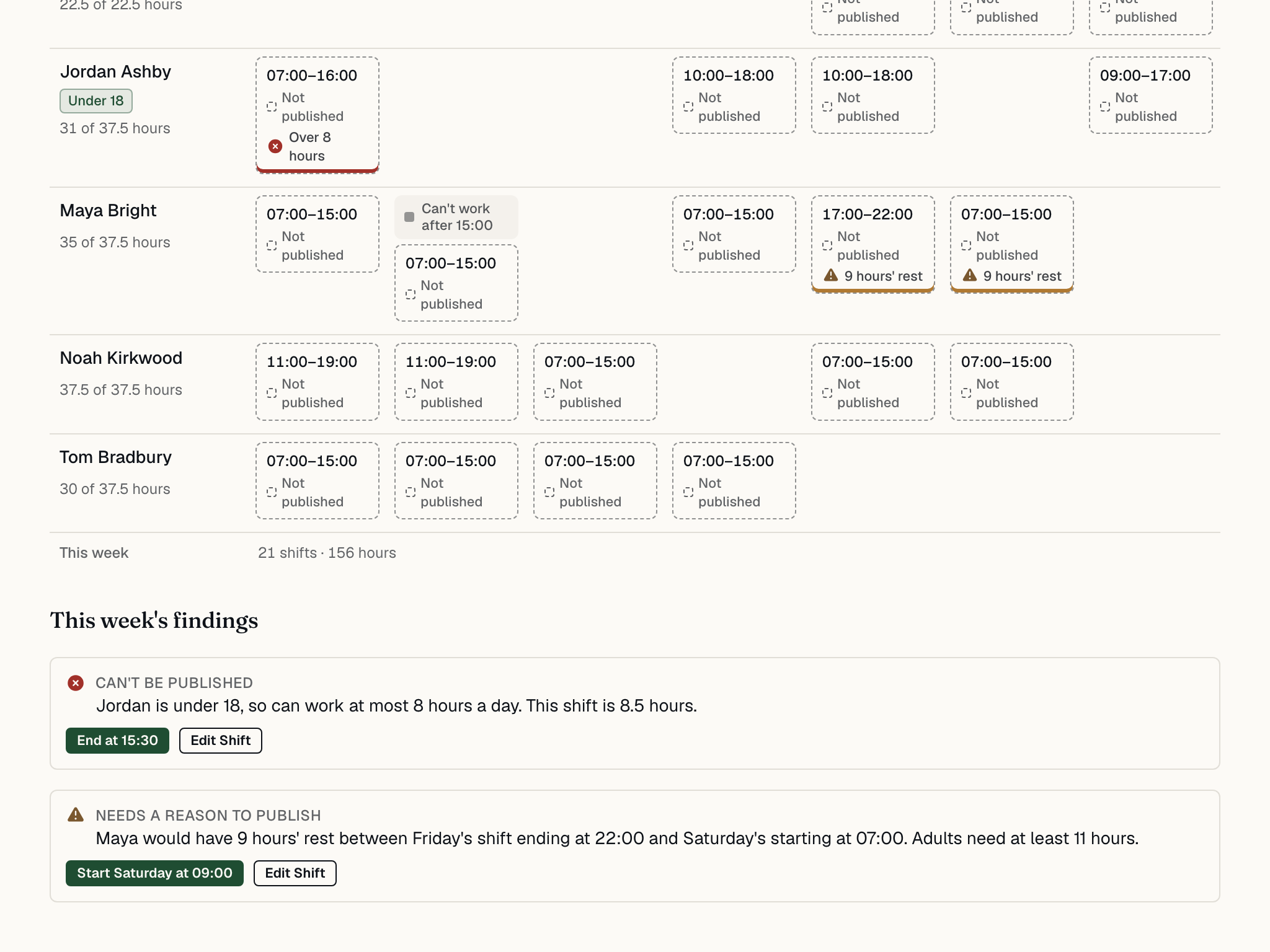
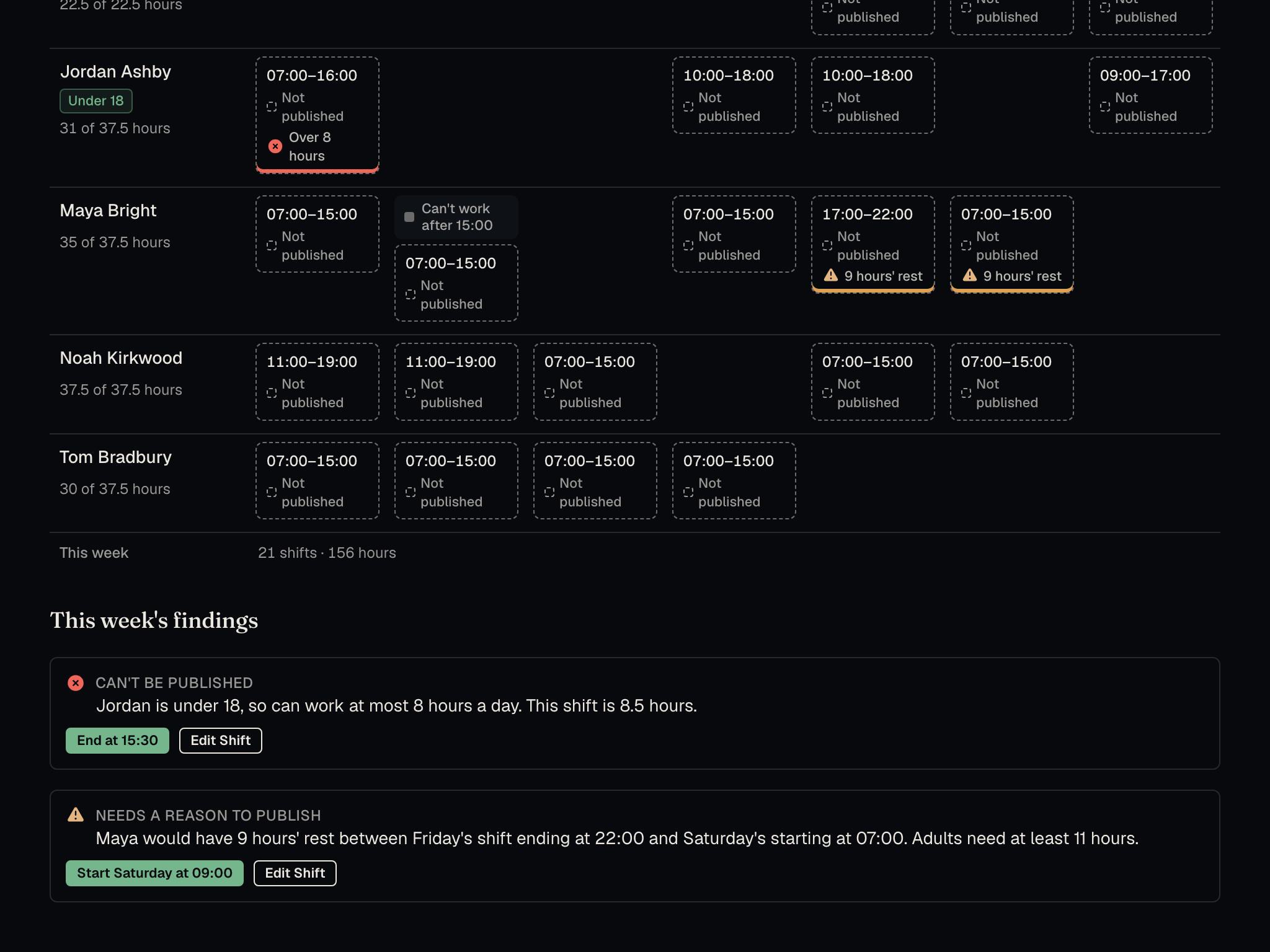
Start from last week or from each person’s usual pattern. Rest, breaks, the 48-hour average, night work and the limits for under-18s are checked as you build, and each problem comes with a fix.
-
Publish it
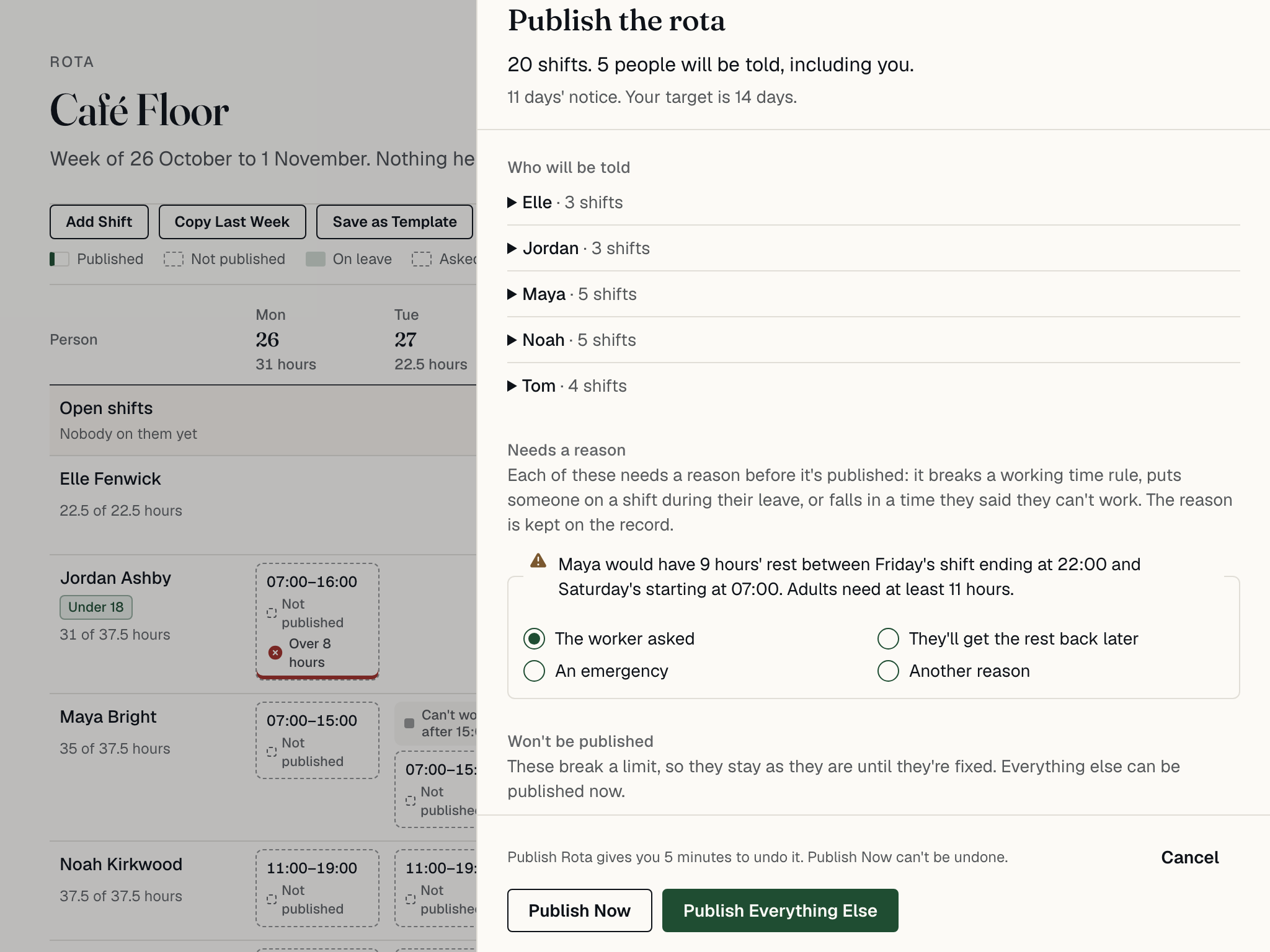
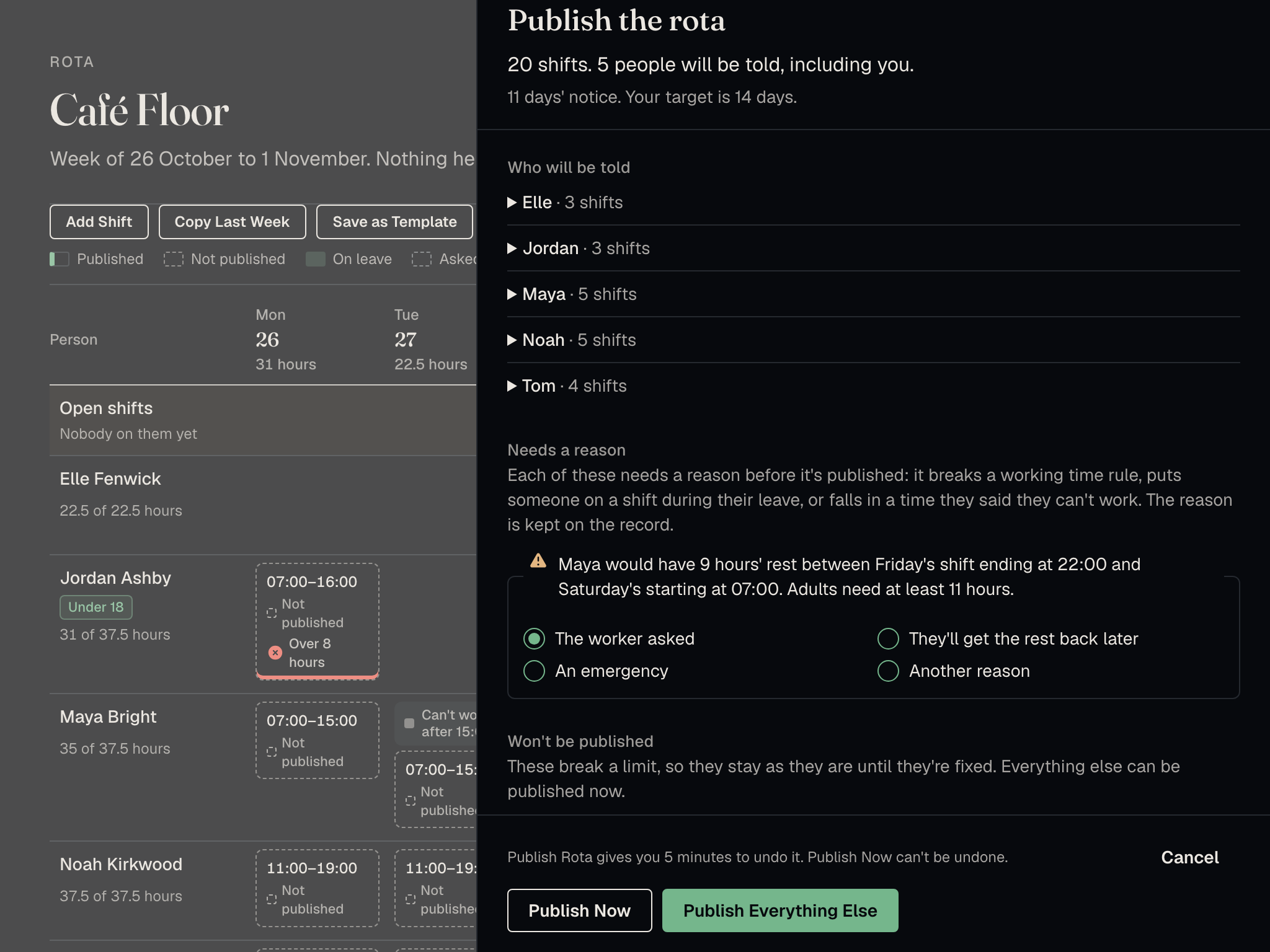
Each person is sent their own shifts in one message. When someone swaps, gives away or picks up a shift, their manager approves it, and approved leave shows on the rota.
-
Clock in
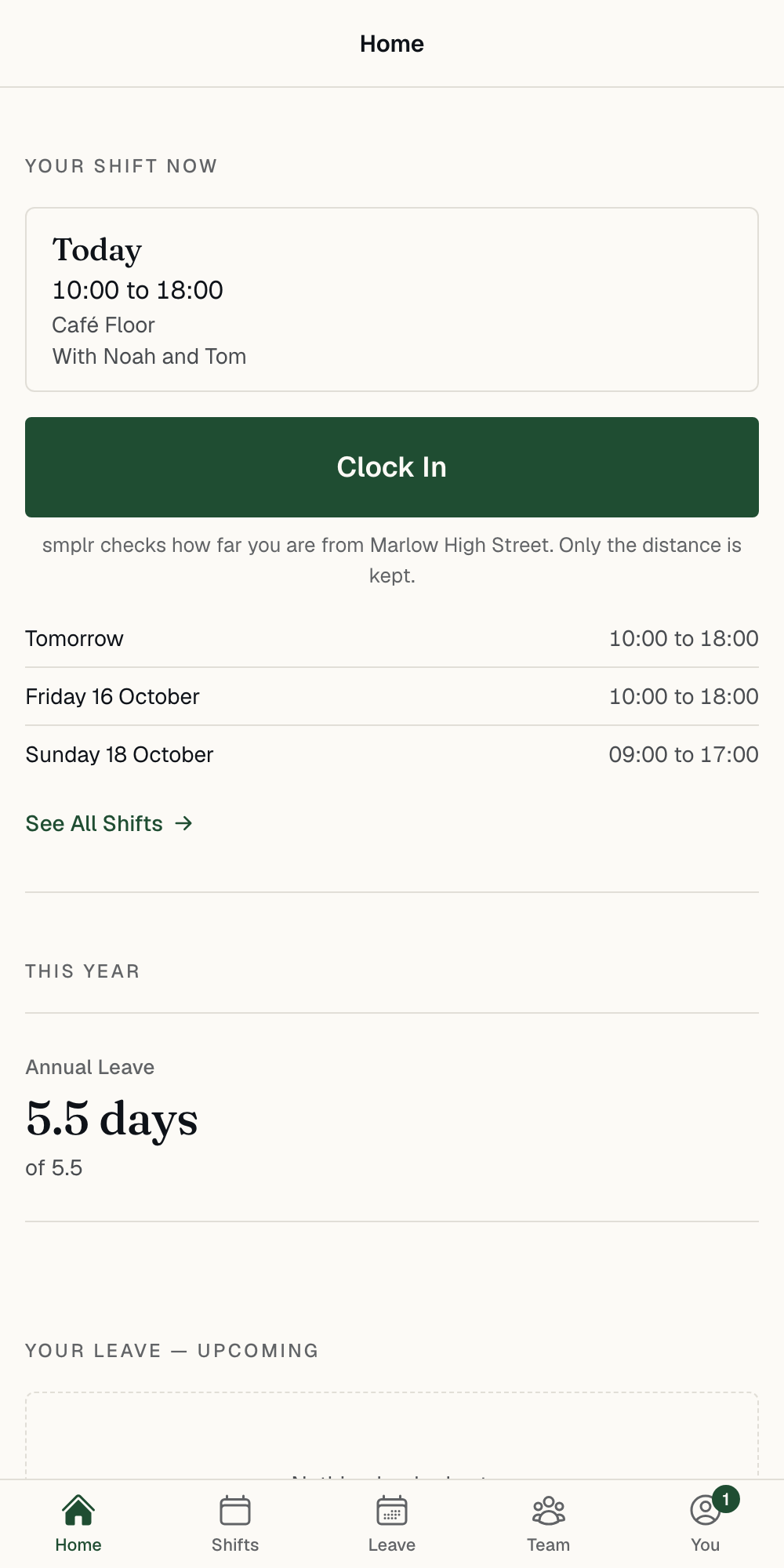
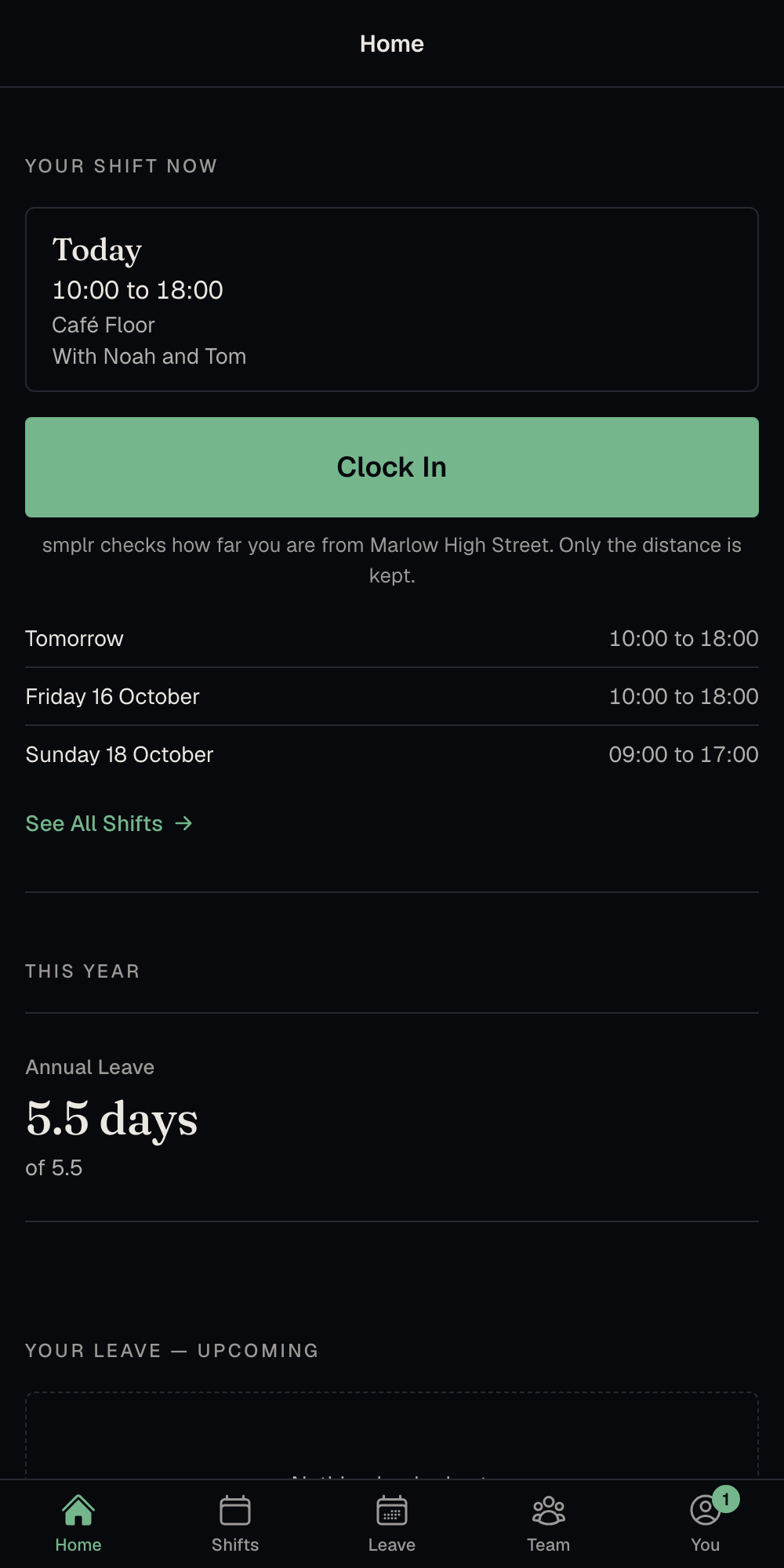
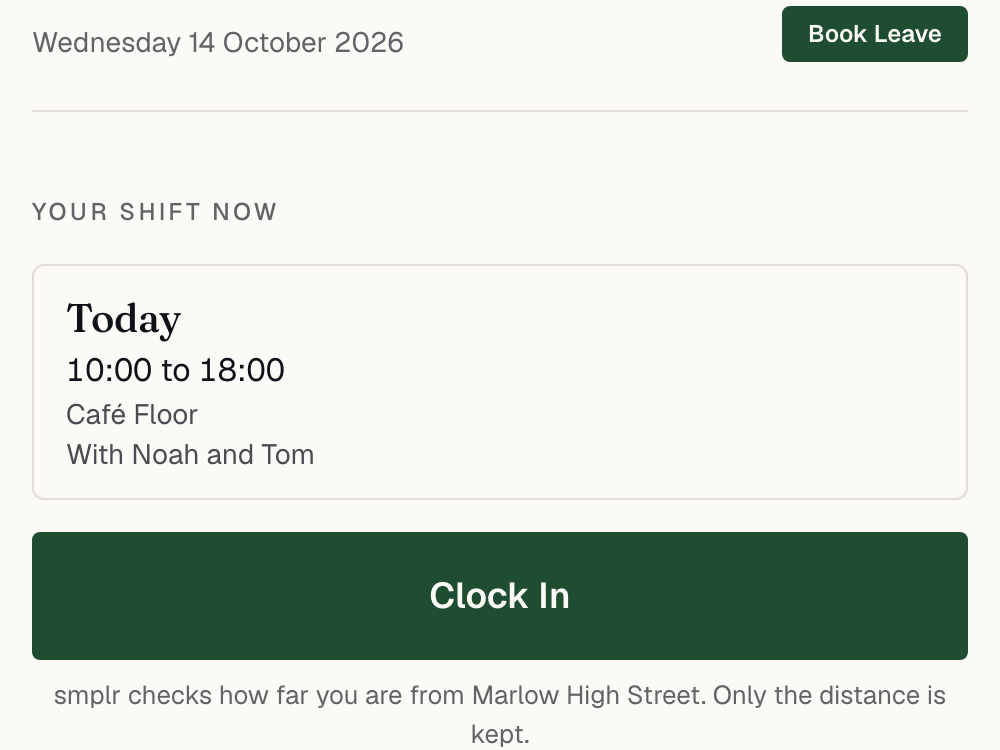
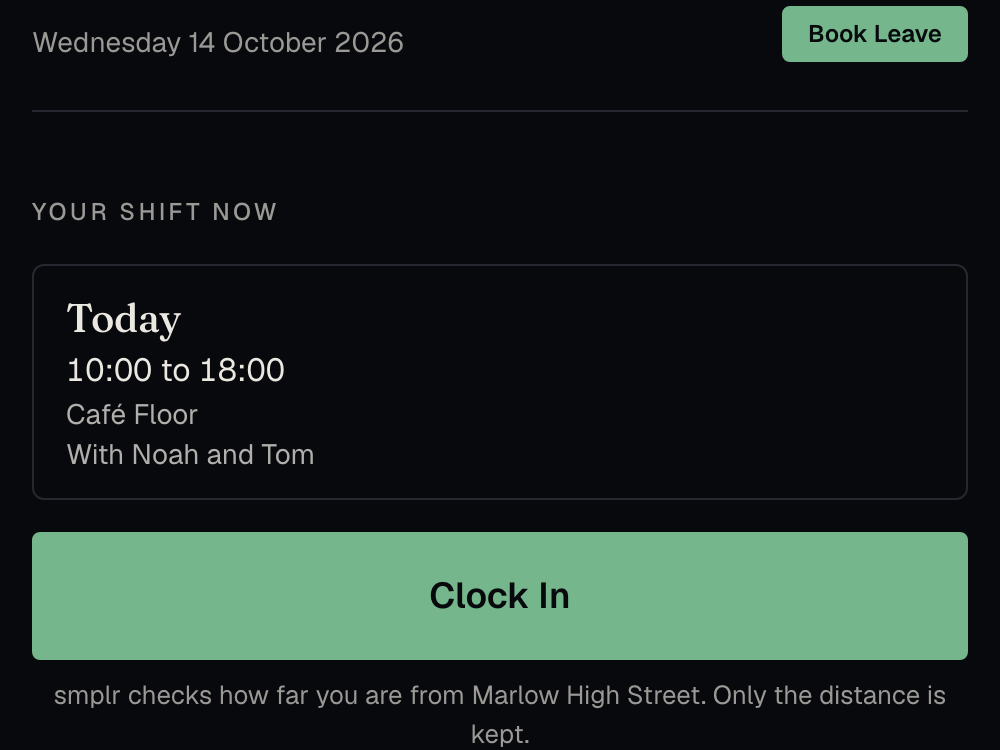
On their own phone, or with a four-digit PIN on a shared screen at work. The phone works out how far it is from work and sends only that distance.
-
Approve the hours
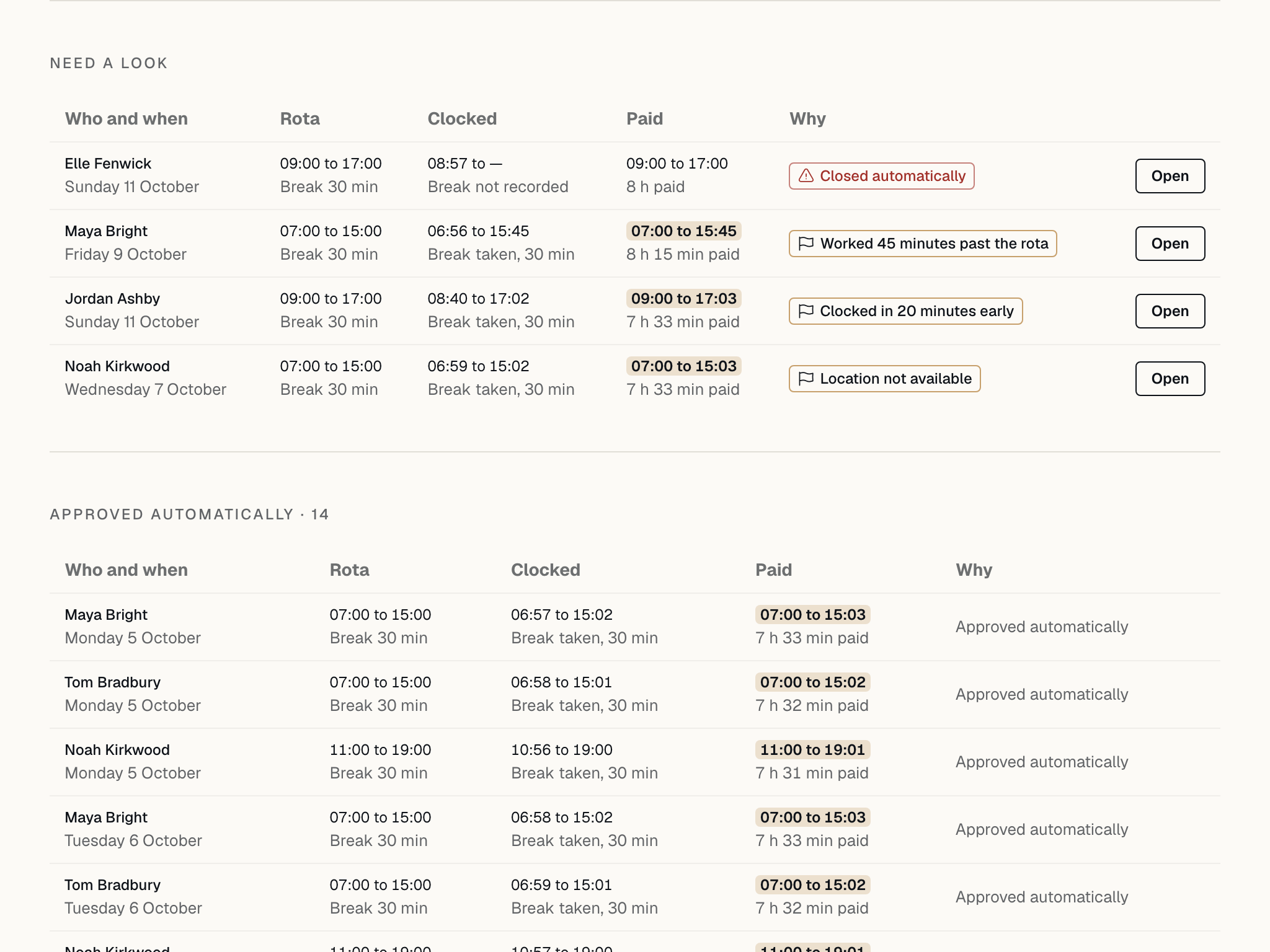
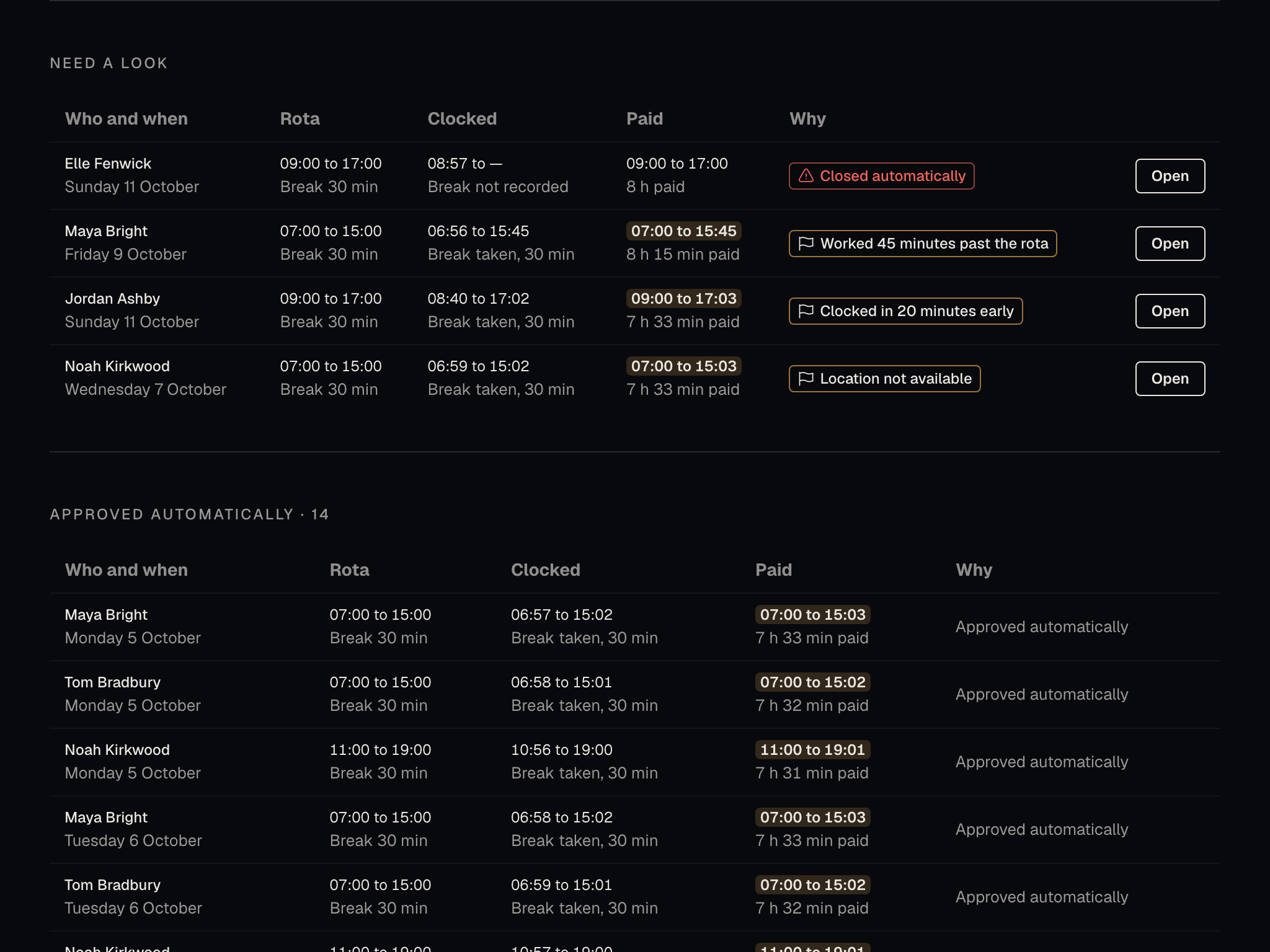
Timesheets close to the rota with nothing flagged are approved automatically. The rest wait for you with the reason, and the hours worked are checked against the same working time rules.
-
Holiday and pay
Approved hours go into the accountant’s month-end pack. For people on irregular hours, holiday builds up at 12.07 per cent of the hours they work, the method UK law sets.
What’s included
All of this, in the one plan.
No tiers and no add-on modules. Whatever we build next is in the same price.
Everyday admin 9
- Leave
- Team calendar
- Approval rules
- Sickness
- Return to work meetings
- Expenses and mileage
- Starters and leavers
- Documents
- Built-in guides
Shifts and hours 8
- Rotas
- Working time checks
- Open shifts and swaps
- Leave on the rota
- Clocking in
- Clock screens
- Timesheets
- Holiday from hours worked
Your people 10
- Directory
- Custom fields
- Company documents
- Org chart
- Objectives
- Check-ins
- Reviews
- Pulse surveys and eNPS
- Thanks between colleagues
- Equality monitoring
Employment law 9
- Right to work
- Flexible working
- Family leave
- Probation
- Contracts and e‑signing
- Policies
- Certificates
- Subject access requests
- Audit trail
Planning 10
- Report builder
- Dashboards
- Turnover
- Pay gap
- Absence cost
- Hours worked
- Expense reports
- Accountant pack
- Scheduled reports
- Full export
How it works
Six everyday jobs, step by step
Booking holiday
Someone books a week in September. Their manager sees who else is off that week before approving it, and the balance updates when they do.
-
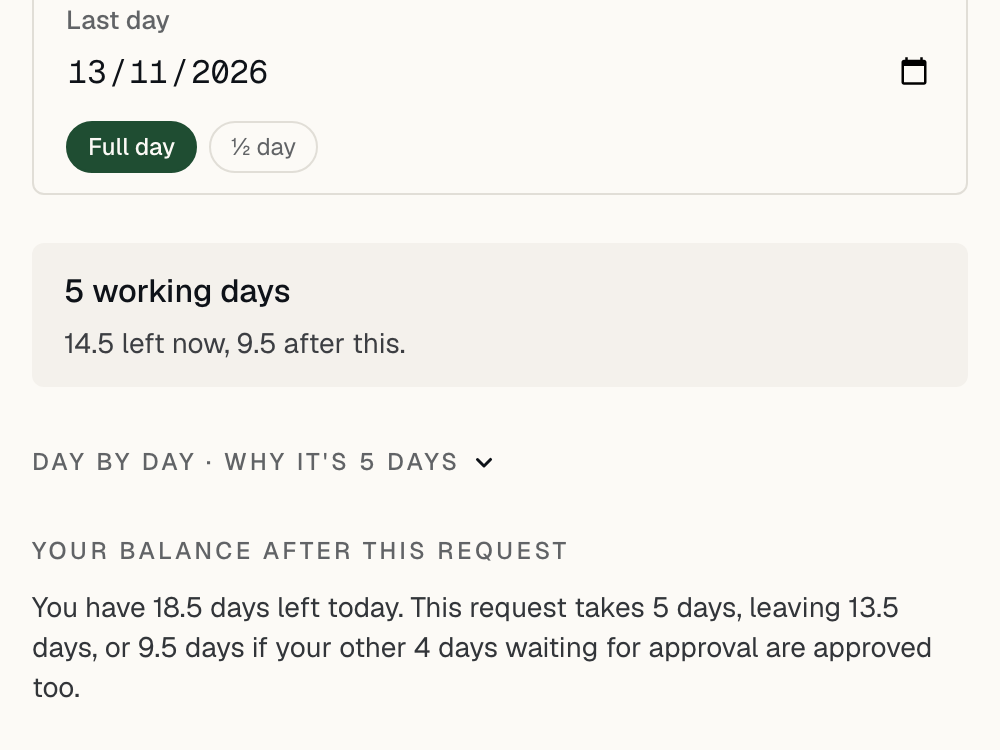
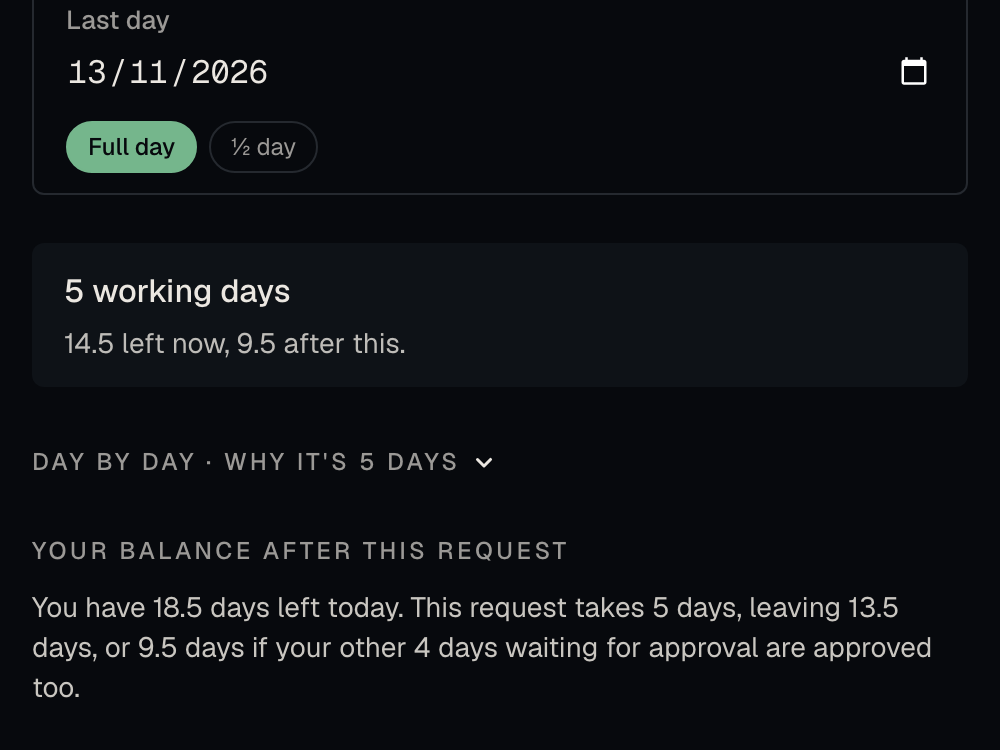
Step 1 of 3
Choose the dates
Weekends and the bank holidays for where that person works are not counted. The balance after the booking shows before it is sent.
-
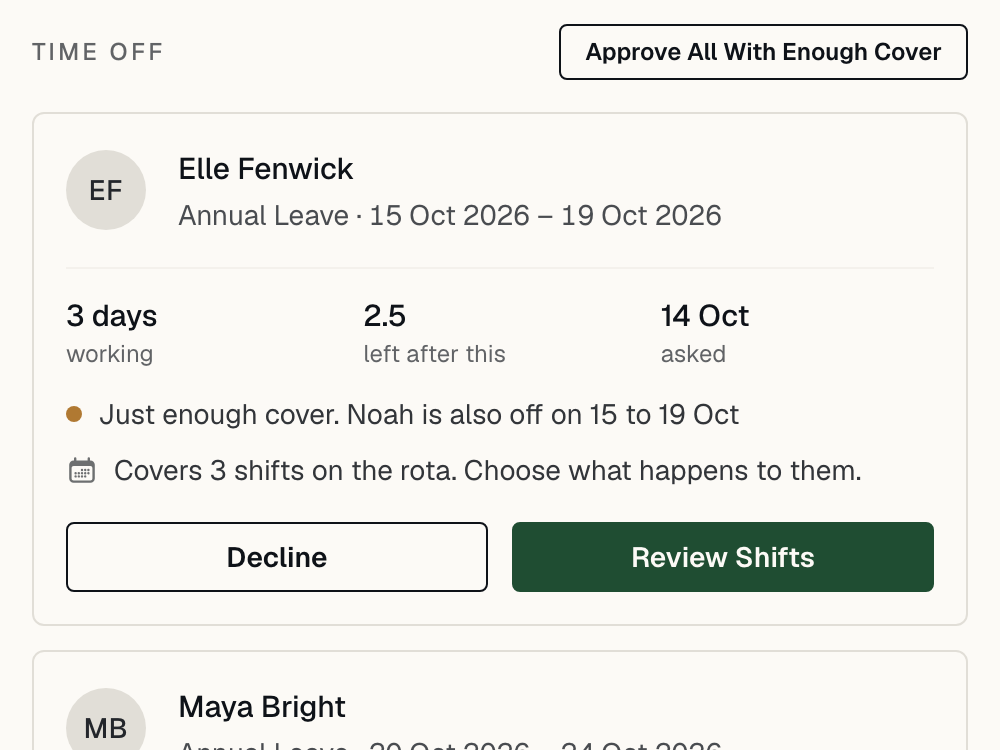
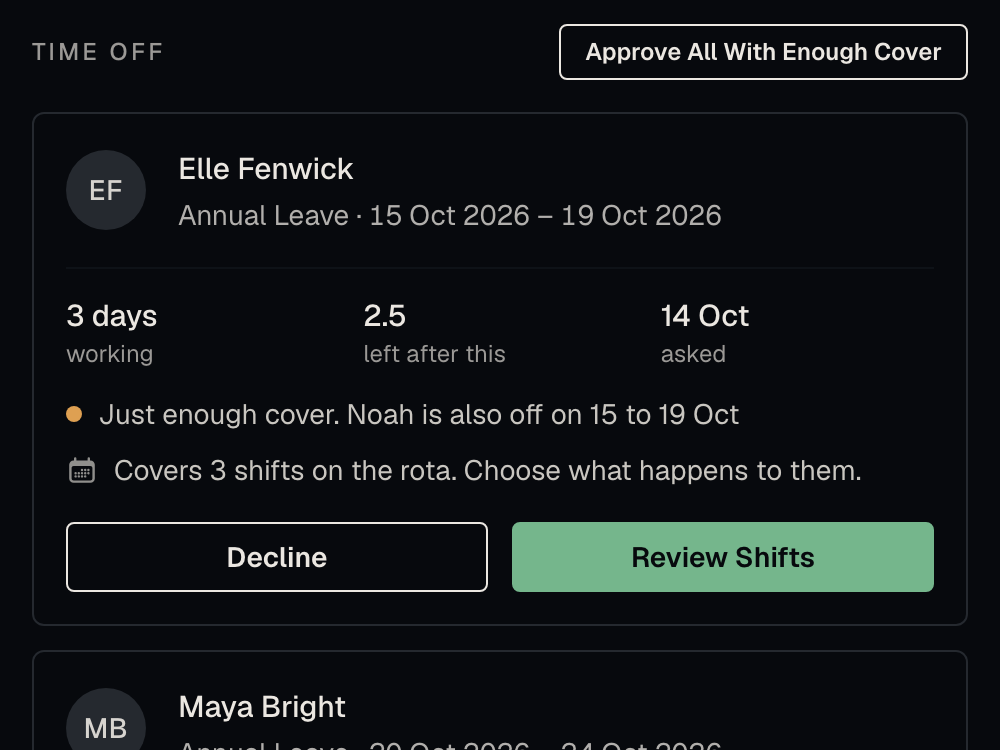
Step 2 of 3
The manager checks cover
Each request shows whether the team still has enough people in, and which week is shortest.
-
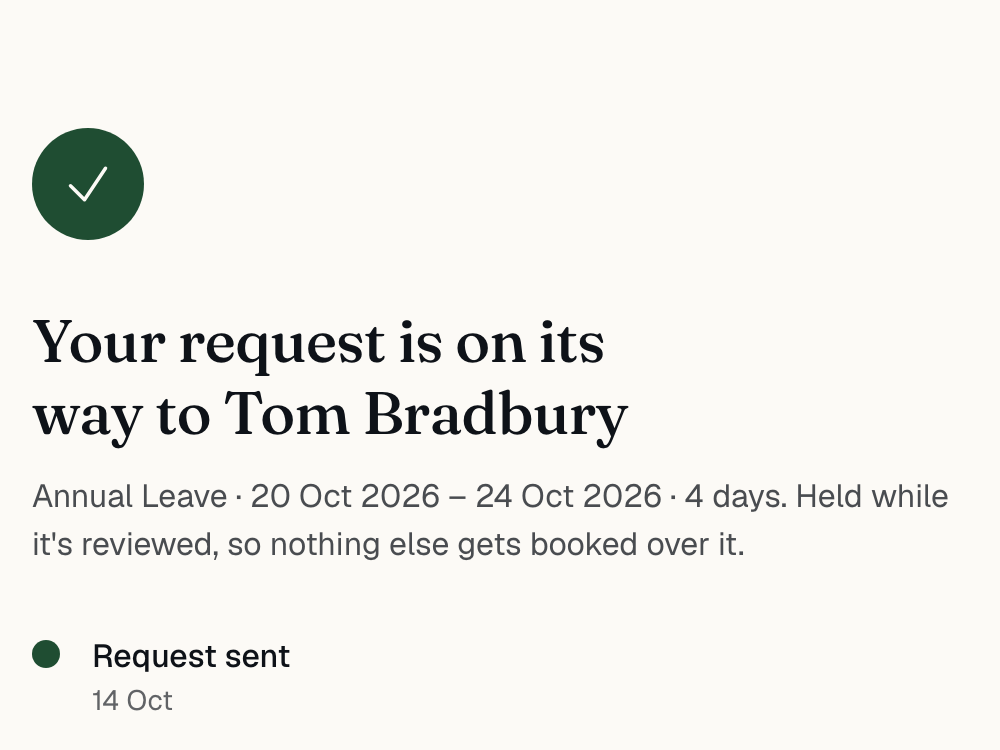
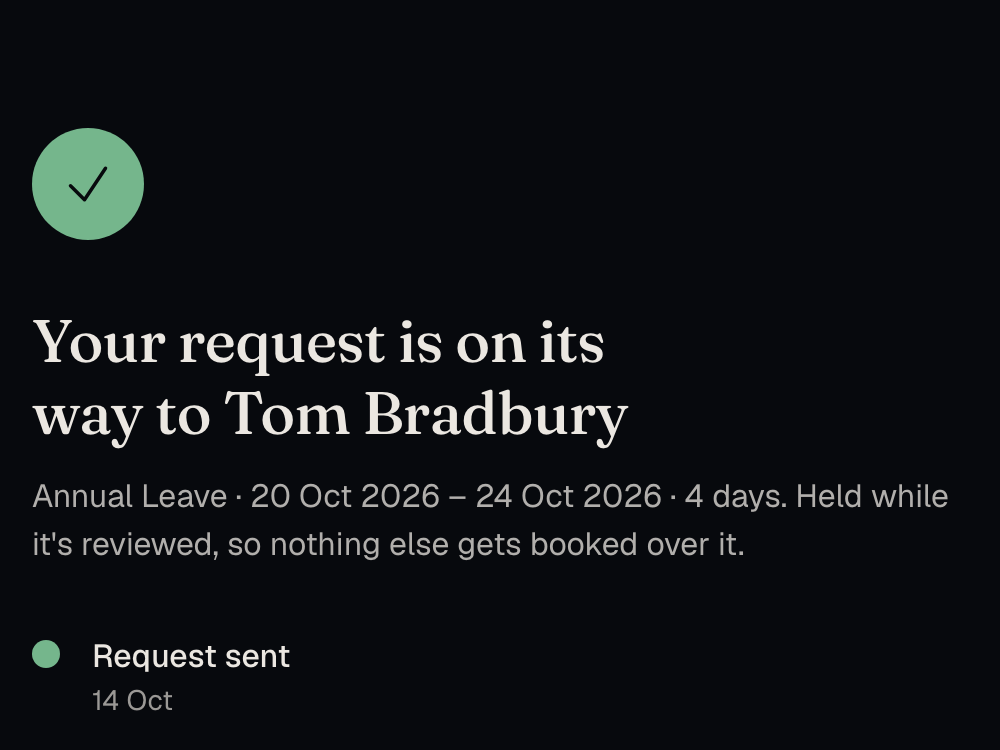
Step 3 of 3
Follow the request
The person who booked it sees when it has been approved and taken off their balance.
Your data
Your people’s records stay in the UK.
We are a UK company. The application, the database and every document you upload are held in the UK.
No analytics, trackers or session recording. Even the typefaces come from our own servers.
Documents are encrypted at rest. Error reports run in the EU with personal data stripped out first.
Smplr LTD · No. 17196814 · ICO ZC244196 · 66 Paul Street, London, EC2A 4NA
Before you shortlist
Seven questions to ask before you sign.
The usual answer
smplr
What will it cost?
smplr: One published price.
Usually: A quote after a sales call, priced in bands, plus a set-up fee.
How long am I tied in for?
smplr: A month at a time.
Usually: Twelve months or more, renewing on its own unless you give notice in time.
Is everything included?
smplr: Yes, in one plan.
Usually: Core, Pro and Premium tiers, with modules sold on top.
Do rotas and timesheets cost extra?
smplr: No, they are in the one plan.
Usually: A separate rota app, or a module charged for each person on top.
What happens as we grow?
smplr: The price per person stays the same.
Usually: You cross a headcount band and move up a tier.
Where is our data kept?
smplr: In the UK.
Usually: A cloud region the vendor chose, often outside the UK.
How do we move in, and out?
smplr: Upload your current system’s export.
Usually: A paid project to move in, and a support ticket to get your data back.
Pricing
One price, and it is on this page.
£4.50 a month for each person working at your company, plus £1.00 a month for each past leaver whose records you are keeping, billed monthly in advance.
Per month, in advance, plus VAT where it applies. You have to keep a leaver’s records for years after they go, so they cost less.
Book a DemoNo annual contract.
Pay monthly and stop whenever you like. No minimum term and no notice period.
Nothing to set up.
No implementation or onboarding fee, and no charge for moving your data in.
Bring your records.
Upload the export from Breathe HR, BrightHR or Access People HR, or a spreadsheet, and nobody types anything in again.
Invitations are free.
People count once they accept, so importing everyone does not change the bill. Your accountant’s access is free too.
HR health check
A person to check what you already have.
The software handles the day-to-day. If you want someone to look over your contracts and policies, you can hire our HR team by the job. We are not solicitors, and we will tell you when you need one.
Priced per company after a short call. It is separate from the subscription.
- Health check
- We go through your contracts, policies and records, and tell you what is out of date or missing.
- Policy drafting
- We write the policies you need in plain English and load them into smplr, ready to publish.
- Compliance advice
- What a company your size has to get right, and what to fix first.
One plan, everything included
Book a DemoSee smplr working for a company like yours.
Leave your details and we’ll email you a choice of times within one working day. The demo is a 20-minute video call.